Configuring Mail in Netscape 6 for MacOS X
1. Open Netscape.
2. Click the Mail icon.

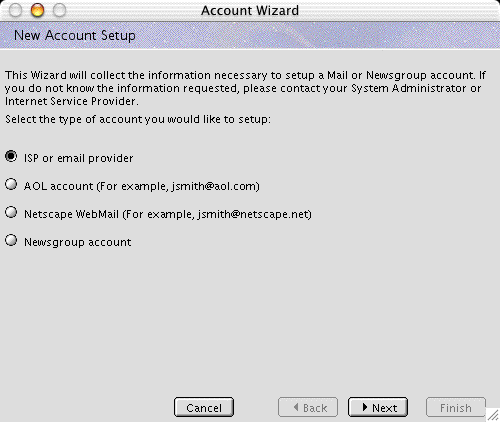
3. Select ISP or email provider.
4. Click the Next button.
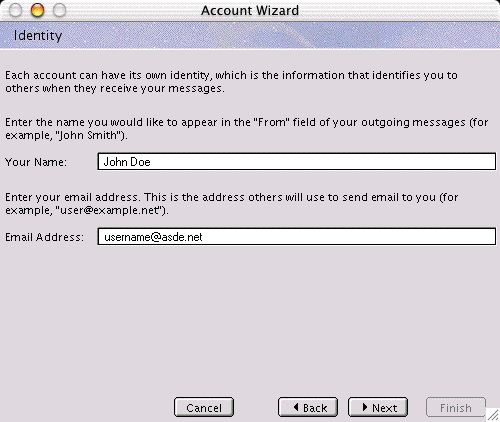
5. In the Your Name field, type your actual name (not your username).
6. In the Your Email Address field, type your email address (e.g., username@asde.net)
7. Click the Next button.
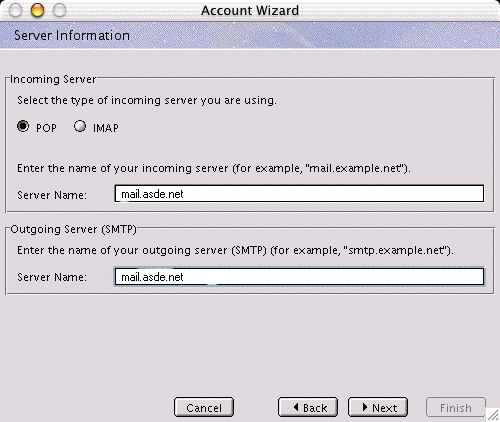
8. Click the POP radio button in the Incoming Server area.
9. In the (Incoming Server) Server Name field, type mail.asde.net.
10 In the (Outgoing Server) Server Name field, type mail.asde.net.
11. Click the Next button.
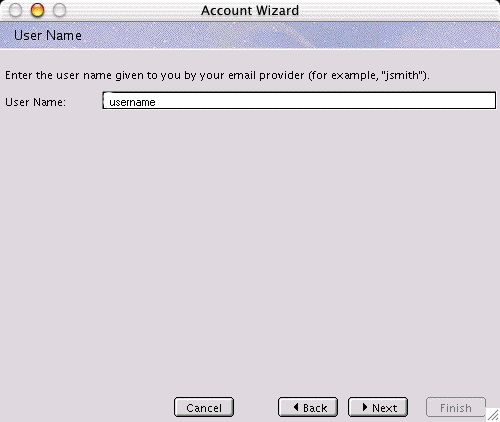
12. In the User Name field, type your username.
13. Click the Next button.
14. Click the Finish button.
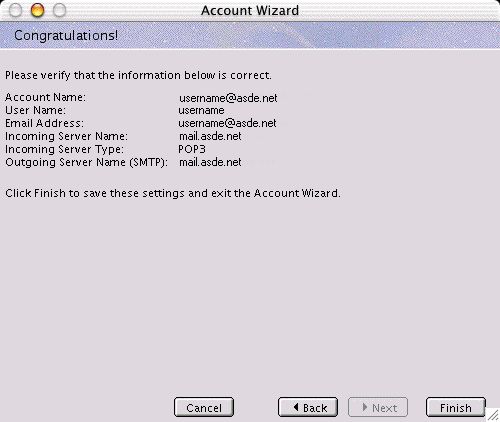
You have successfully configured the mail in Netscape 6.